① Getting Started — Two Ways to Begin
Open gr.sangdogagu.kr and the "Start a new project" window appears. If you're new, Recommended templates mode is the quickest; if you'd rather build the layout yourself, choose Free mode.
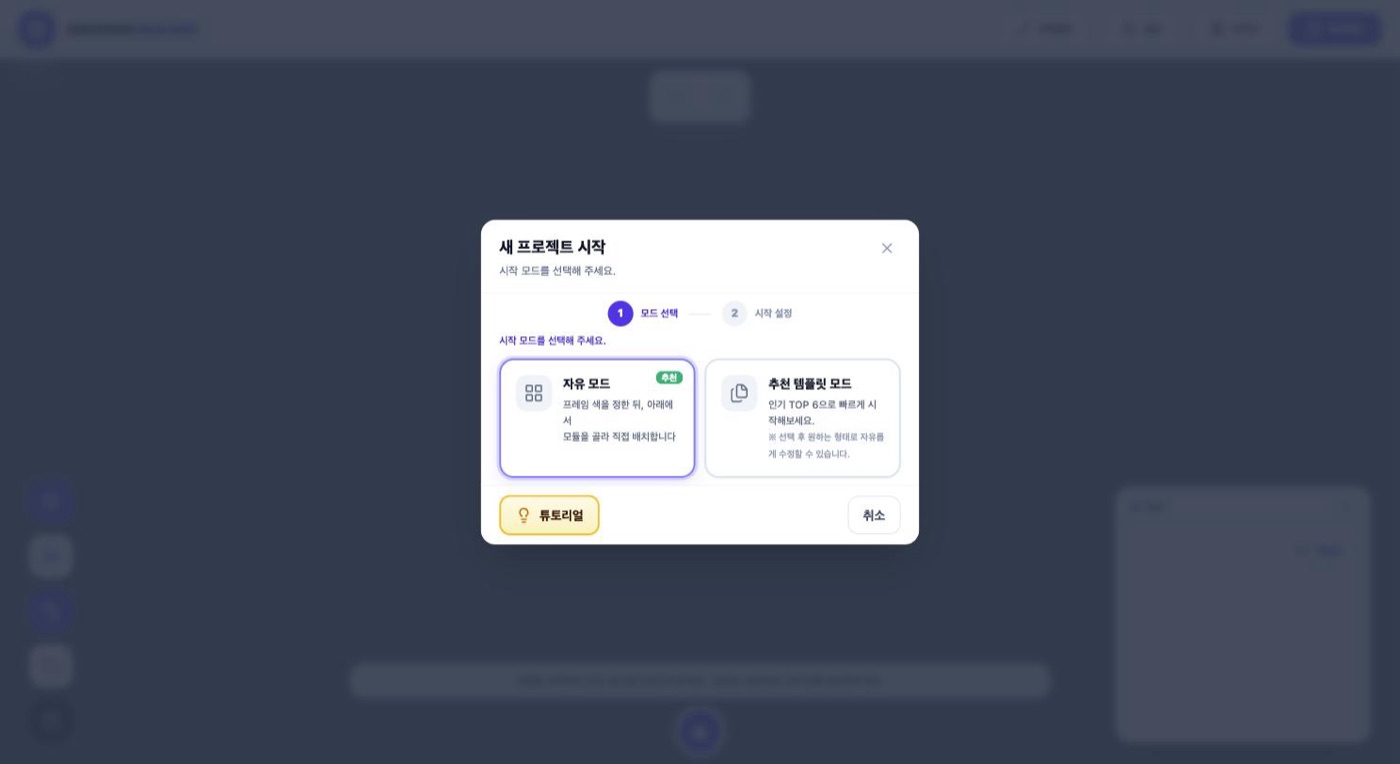
Option 1. Free Mode
Pick a frame color (silver or white) and a base model. Start from one of the W800 shelf, W600 shelf, 3-drawer unit, 4-drawer unit, 2-tier open shelf, or 3-tier open shelf, then stack modules on top of it.
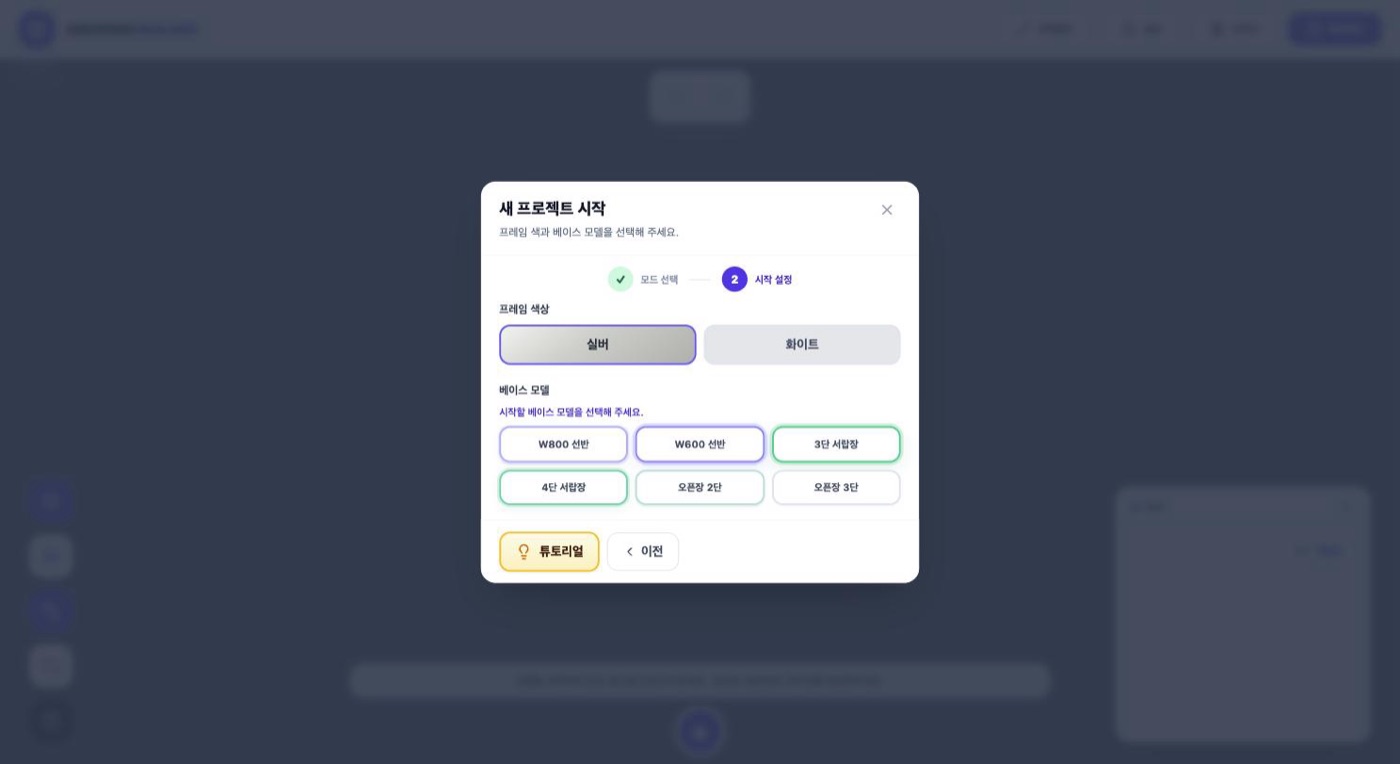
Option 2. Recommended Templates
Six popular layouts are shown as pictures. Tap one you like and that layout loads onto the screen as-is, ready to edit freely afterwards. Layouts that use a corner, such as the "L-shaped shelf + hanger", can also be started from here in one step.
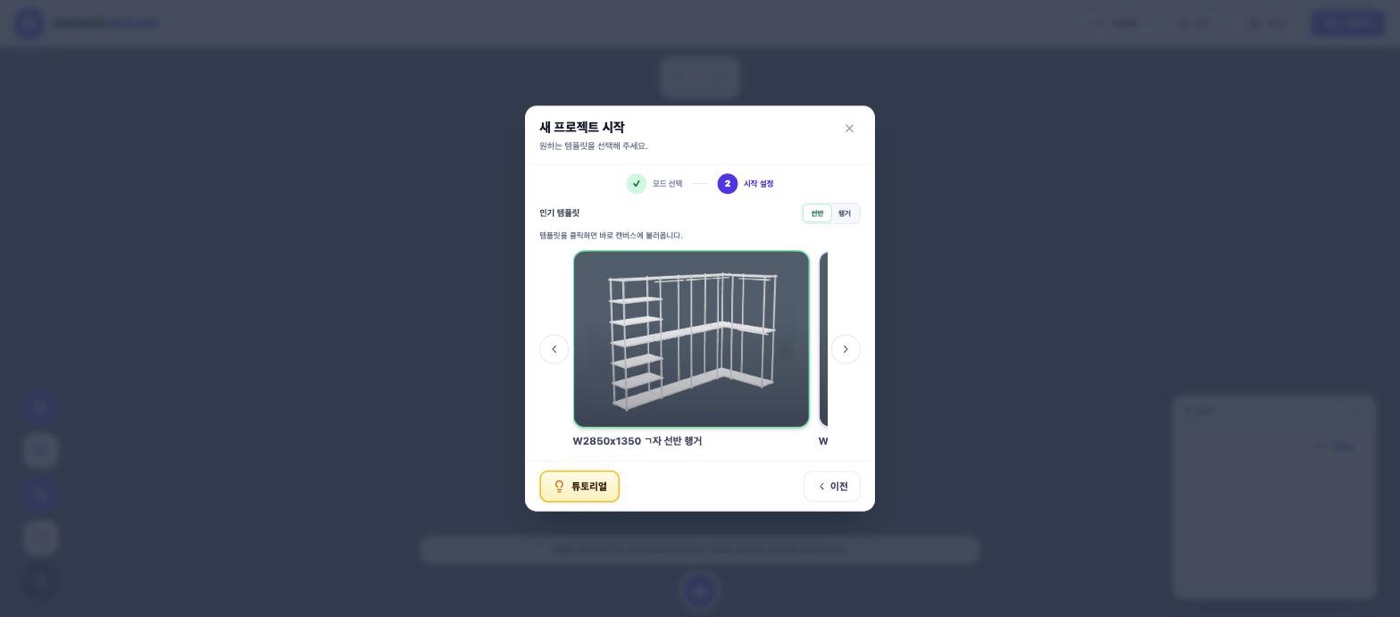
💡 If it's your first time, starting from a template and just adjusting the size to your room is the fastest path.